Stores
Stores are your company's branches. Linking orders and staff to stores lets you separate figures and limit data access by branch.
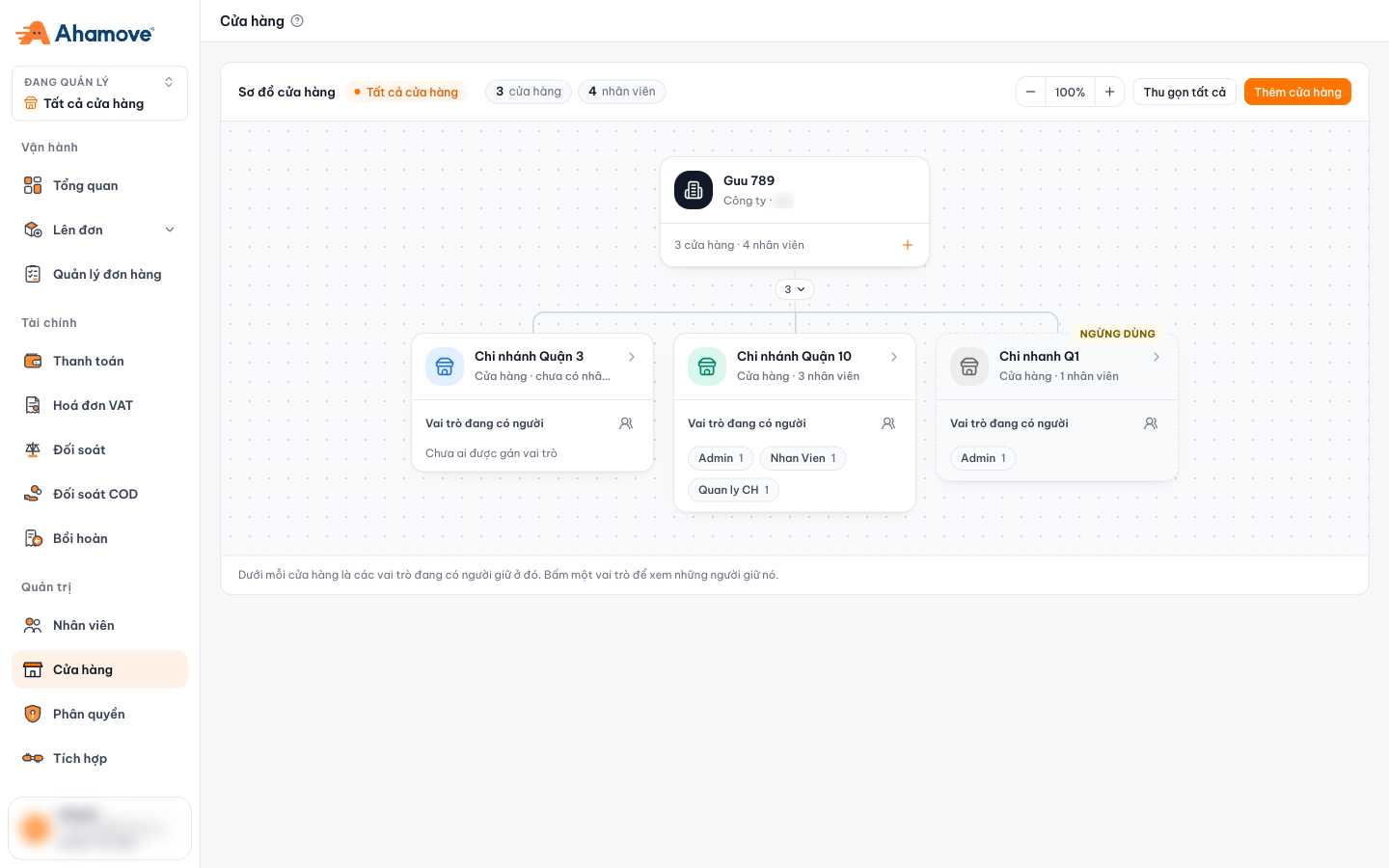
- Company: total number of stores and staff
- A branch: number of staff
- Roles held by someone at this branch. Click to see who
- Branch no longer in use
- Add a store
- Zoom in / zoom out the chart, collapse all
Reading the chart
- The top box is the company; below it are the individual stores.
- Each store shows its number of staff and the roles held there, with how many people hold each one. Click a role to see who holds it.
- Stores that are no longer active have the Ngừng dùng (Inactive) label.
Add or edit a store
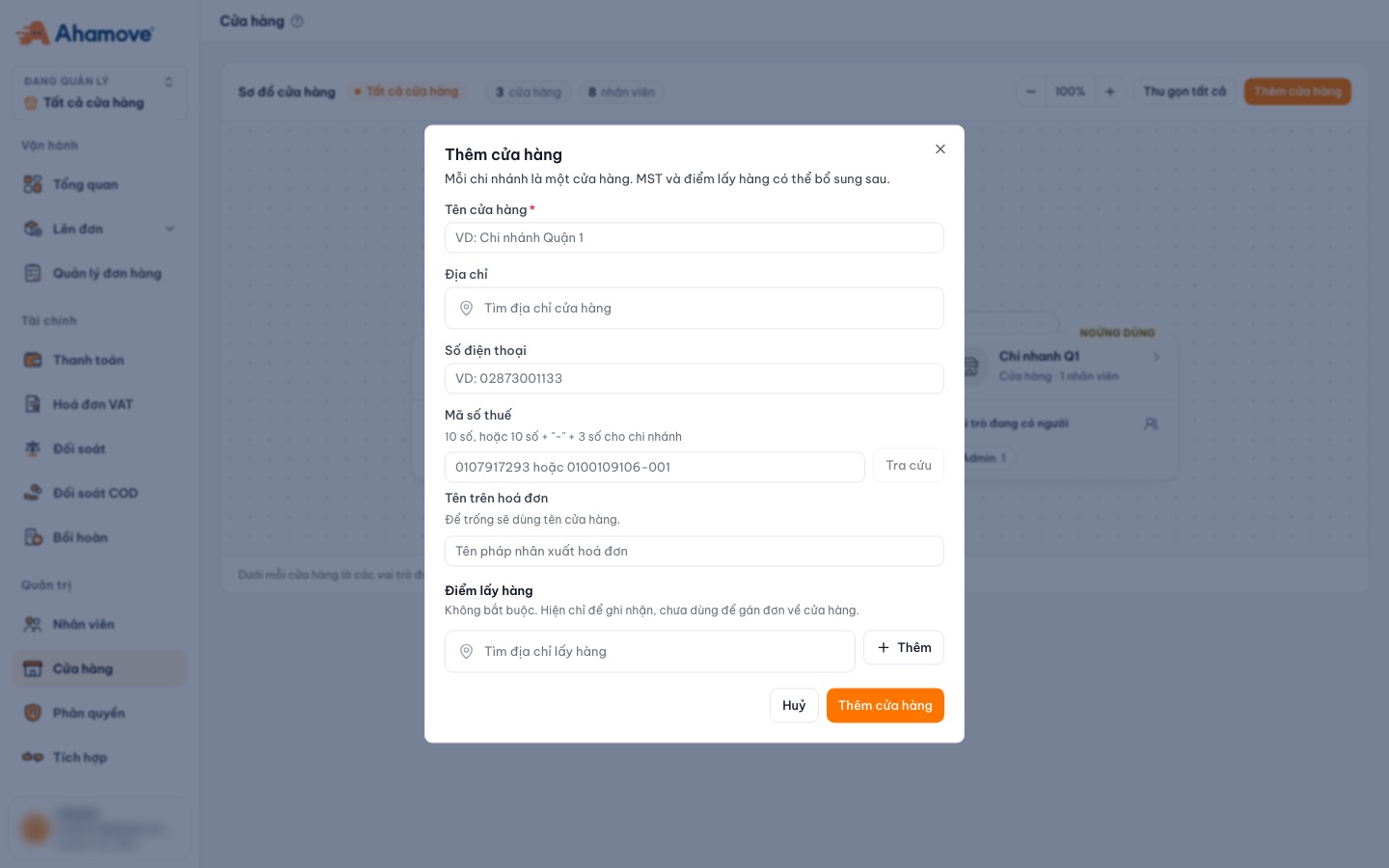
- Click Thêm cửa hàng (Add store) on the right to create a new branch.
- Click a store card to see its details and edit its name, tax code and address.
Who can edit?
You need the Thao tác (Manage) permission on the Stores page. Someone who only has the Gán nhân viên vào cửa hàng (Assign staff to stores) permission can assign people but cannot change the name or tax code. See Roles & permissions.
Interactive walkthrough: follow each step right on the screenshots below. Click the flashing box to go to the next step.
Add a storeStep 1/6
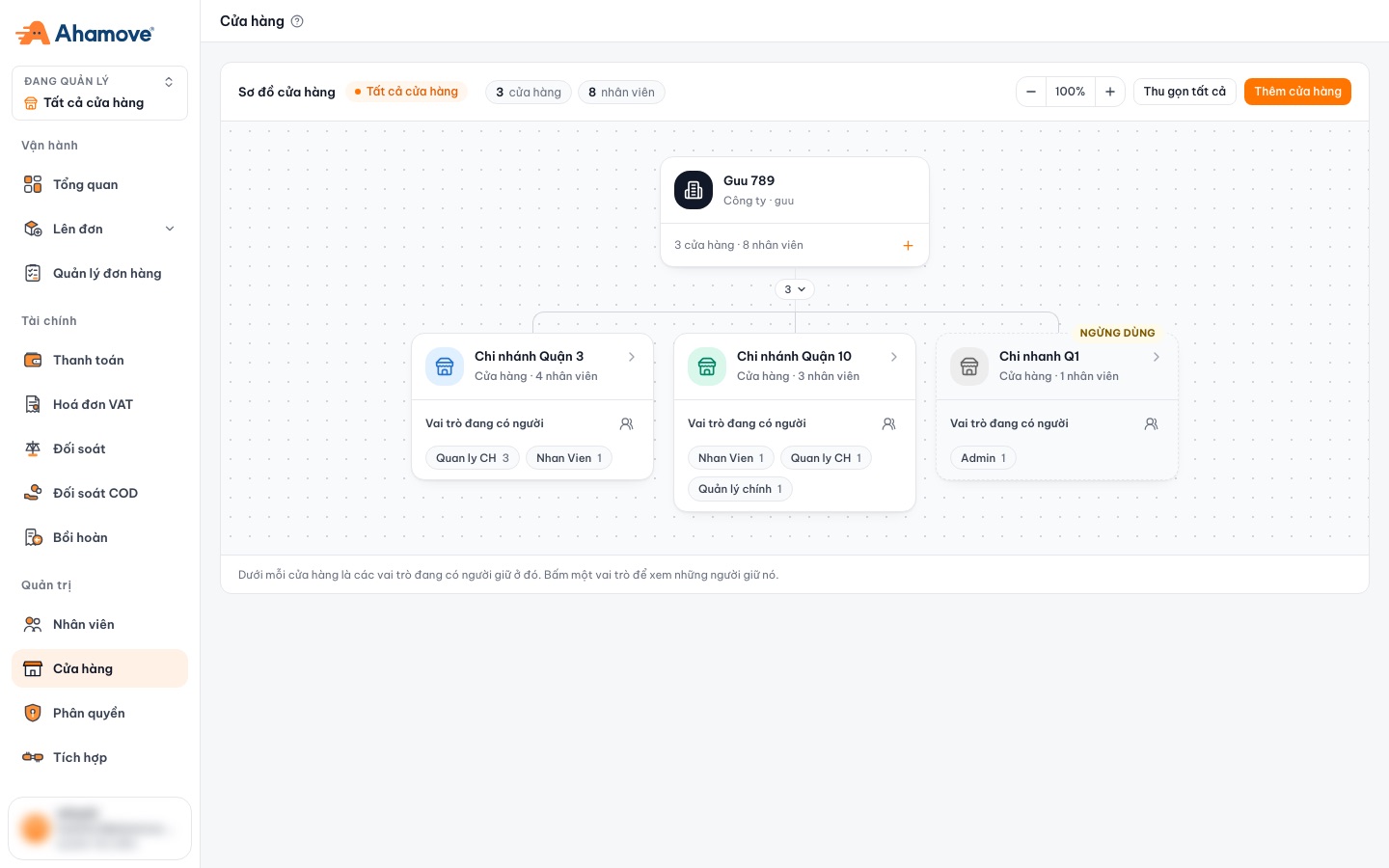
Click Thêm cửa hàng (Add store)The orange button in the top-right corner of the store chart.
Where are stores used?
| Where | Effect |
|---|---|
| The Đang quản lý ("Managing") store switcher in the left menu | View data for the whole company or one branch |
| Cửa hàng lên đơn (Ordering store) when you create an order | Links the order to a branch |
| Staff | Assign people to branches, with one role per branch |